



We’ve all been there. You’re in the middle of a busy Tuesday, juggling a dozen things, when your phone pings. It’s a text from “Amazon” saying there’s a problem with your delivery. Or maybe it’s an urgent email from “Netflix” claiming your payment failed and your account is about to be suspended.
In the past, these scams were easy to spot—think obvious typos, weird formatting, and “princes” offering you millions. But in 2026, scammers have leveled up. Thanks to AI, their messages are more polished, more personalized, and more convincing than ever.
At Pink Is The New Blog, we’re all about empowering you to lead your best, most successful life—and that includes staying one step ahead of the digital bad guys. Here’s your 2026 guide to recognizing scam texts and emails before they hit your wallet.
The “Big Three” Red Flags to Watch For
Even as technology changes, the psychology behind a scam stays the same. Scammers want to bypass your logic and trigger your emotions. If a message hits any of these three notes, your “scam-dar” should go off immediately:
1. False Urgency
“Act now!” “Your account will be deleted in 2 hours!” “Immediate action required!”
Scammers use urgency to make you panic. When you’re in a rush, you’re less likely to notice that the sender’s email address looks a little funky or that the link doesn’t quite match the official website. Legitimate companies will almost always give you a grace period and multiple ways to resolve an issue.[1]
2. The “Problem” You Didn’t Know You Had
The most common scams today claim there’s a “suspicious login,” a “billing error,” or a “failed delivery.” They create a problem that only they can fix—if you just click their link and “verify” your info. Remember: if you didn’t expect the message, treat it as a red flag. [2]
3. Too-Good-To-Be-True Offers
Did you “win” a $500 gift card for a store you haven’t visited in months? Is there a “government refund” waiting for you that you never applied for? If it feels like a random stroke of incredible luck, it’s probably a scam. [3]
New Scams for 2026: AI and “Quishing”

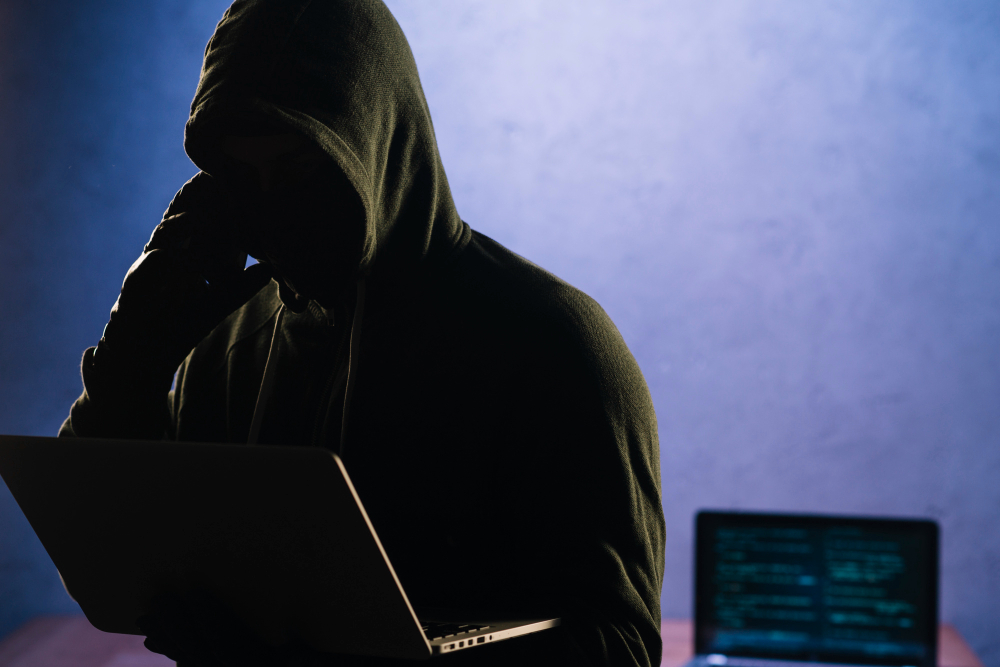
Scammers are using the latest tech to try and trick us. Here are two new tactics that are trending this year:
- • AI-Polished Phishing: In the past, bad grammar was a dead giveaway. Now, scammers use AI to write perfectly professional, error-free emails that mimic the exact tone of companies like Apple, PayPal, or your bank. They can even include your name or reference real-world events to make the message feel personal. [4]
- • “Quishing” (QR Code Phishing): You might get an email or even a physical letter with a QR code, asking you to scan it to “verify your identity” or “claim a reward.” Scanning the code takes you to a fake website designed to steal your login credentials. Tip: Never scan a QR code from an unexpected source. [5]
How to Spot the Fake (The “Checklist”)
Before you click anything, take 30 seconds to do this quick audit:
| Check… | The Red Flag | The Green Flag |
| The Sender | A long string of random numbers/letters or a domain that’s almost right (e.g., support@netflix-mail.com). | The official company domain (e.g., support@netflix.com). |
| The Greeting | “Dear Customer,” “Dear [Your Email Address],” or no greeting at all. | Most companies you have an account with will use your actual name. |
| The Link | Hover your mouse over the link (on a computer) or long-press it (on a phone) to see the real URL. If it looks like a jumble of nonsense, don’t click! | A clear, simple URL that leads directly to the official company website. |
| The Request | Asking for your password, Social Security number, or full credit card details via a link. | Legitimate companies will never ask for your password or sensitive info through an unsolicited text or email. |
“I Clicked! Now What?”
Don’t beat yourself up—these scams are designed to be tricky, and even the most tech-savvy people can get caught off guard. If you think you’ve responded to a scam, take these steps immediately:
- Change Your Passwords: If you entered a password on a fake site, change it on the real site immediately. If you use that same password elsewhere, change it there, too.
- Contact Your Bank: If you provided financial info, call your bank or credit card company. They can freeze your account and issue a new card.
- Run a Security Scan: If you clicked a link or downloaded an attachment, run a reputable antivirus scan on your device to check for malware. [6]
- Report It:
- – Forward scam texts to 7726 (it spells SPAM).
- – Report the scam to the FTC at ftc.gov. [7]
The Golden Rule of Digital Safety
When in doubt, go to the source.
If you get an “urgent” text from your bank, don’t click the link in the text. Instead, close the message, open your bank’s official app, or type their website address directly into your browser. If there’s a real problem, you’ll see a notification waiting for you there.
Stay safe, stay vigilant, and remember: your peace of mind is worth the extra 30 seconds of checking!